
In short
- Resonant mode (also oscillating or tapping mode) images with the cantilever oscillating near the surface, which keeps contact forces low on samples from soft biological material to hard semiconductors.
- An integrated lock-in amplifier gives amplitude and phase; the phase contrast shows differences in material properties.
Topography with low force, material contrast in the phase
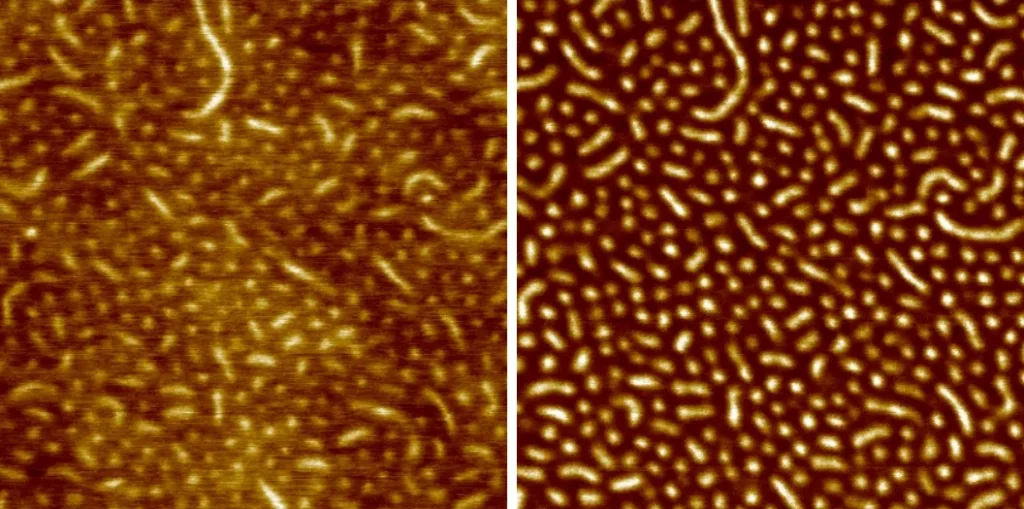
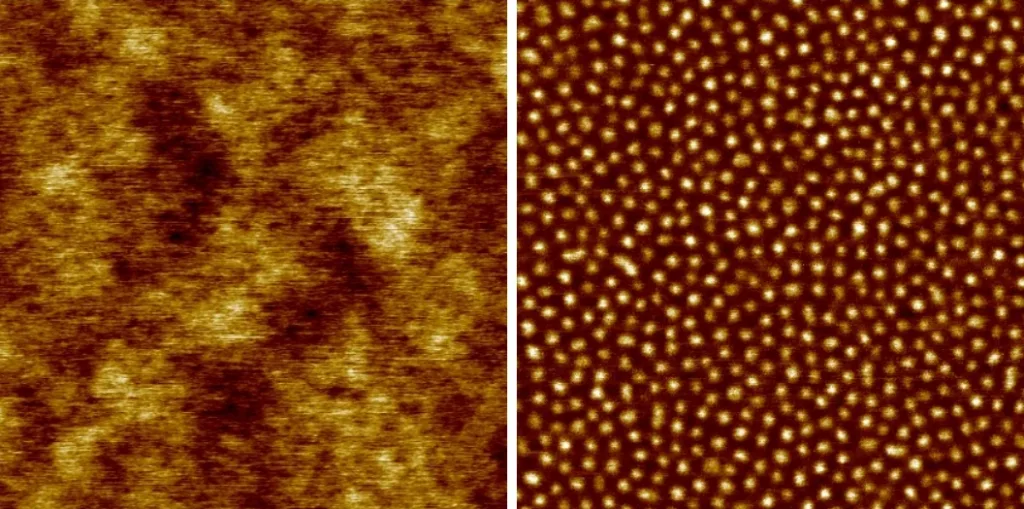
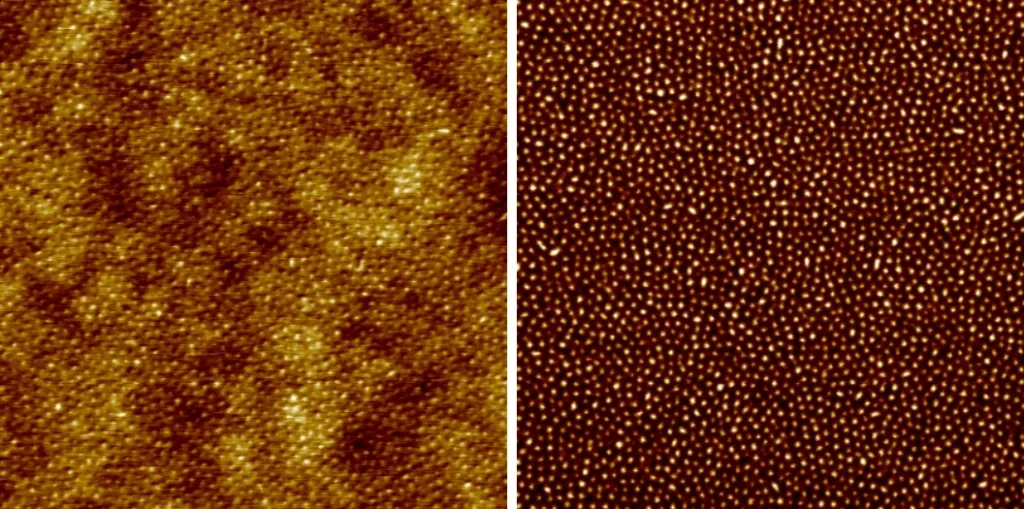
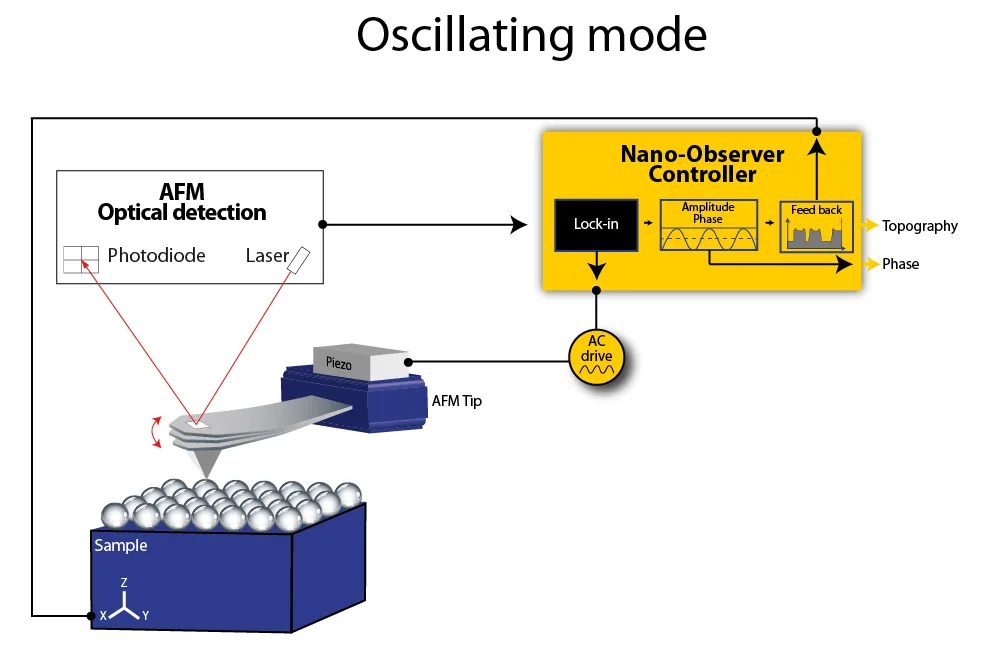
The cantilever oscillates near its resonant frequency and touches the surface only briefly at the bottom of each cycle. The feedback keeps the oscillation amplitude constant: the height correction is the topography, and the phase shift of the oscillation shows how the tip interacts with each material.
Scan results
Topography and phase, from the same scan
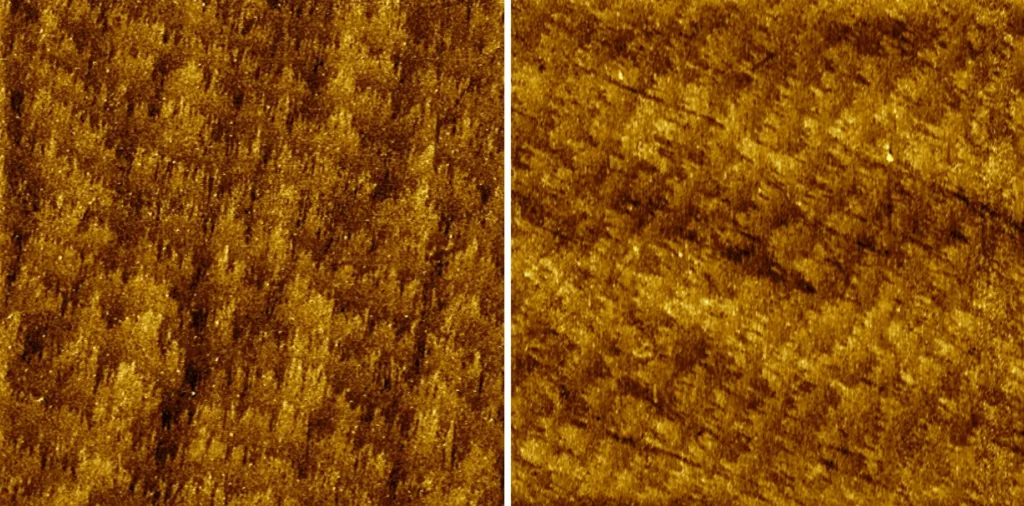
Every image below was acquired in resonant mode on a CSInstruments AFM. Click an image to enlarge it.
 TopographyPhase
 TopographyPhase
 Open loopClosed loop
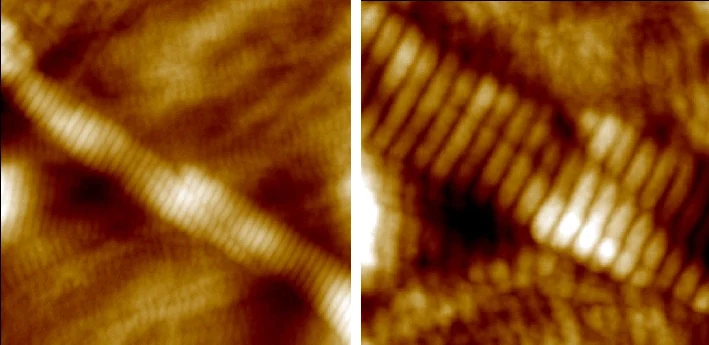 2 × 2 µm600 × 600 nm
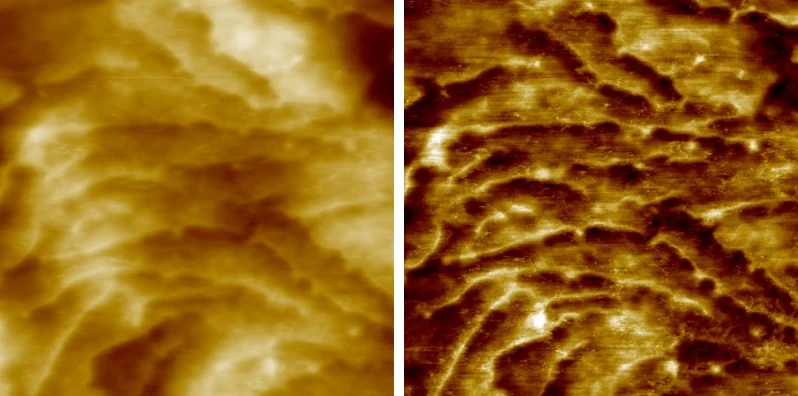 TopographyPhase
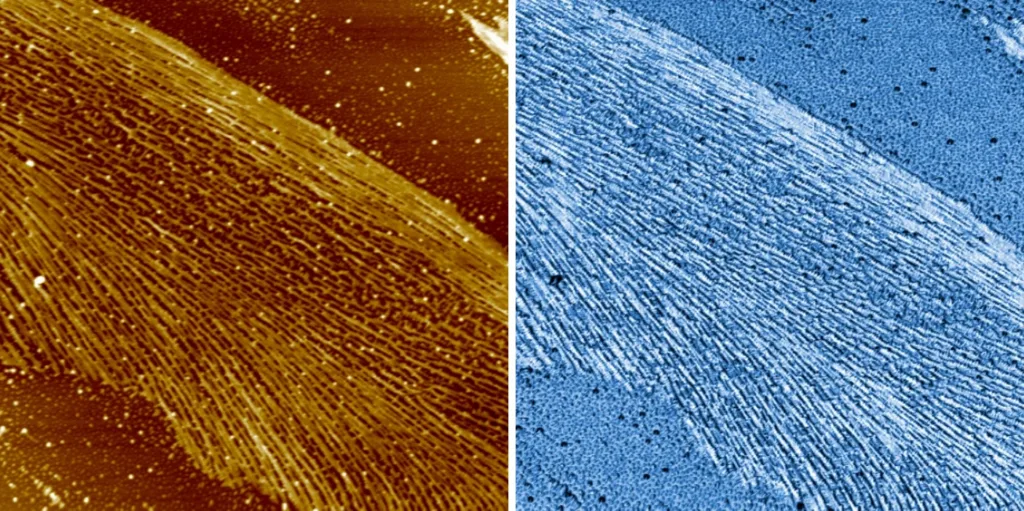 TopographyPhase
Polymer scansBiological samplesMaterials science2D materials
How it works
Four steps, two images
- Tip oscillation: the cantilever vibrates at or near its resonant frequency.
- Surface interaction: close to the surface, the interaction changes the oscillation amplitude and phase.
- Feedback: the system keeps the amplitude constant by adjusting the tip–sample distance.
- Images: the height adjustments give the topography; the phase shift gives material contrast.
Specifications
- Frequency range: 1 kHz – 2 MHz
- Typical oscillation amplitude: 20 – 100 nm
- Phase sensitivity: < 0.1°
- Integrated lock-in amplifier for amplitude and phase
- Compatible with all CSInstruments AFM systems
- Optional: spectroscopy modules for force curve analysis
Instruments
Which AFM runs it
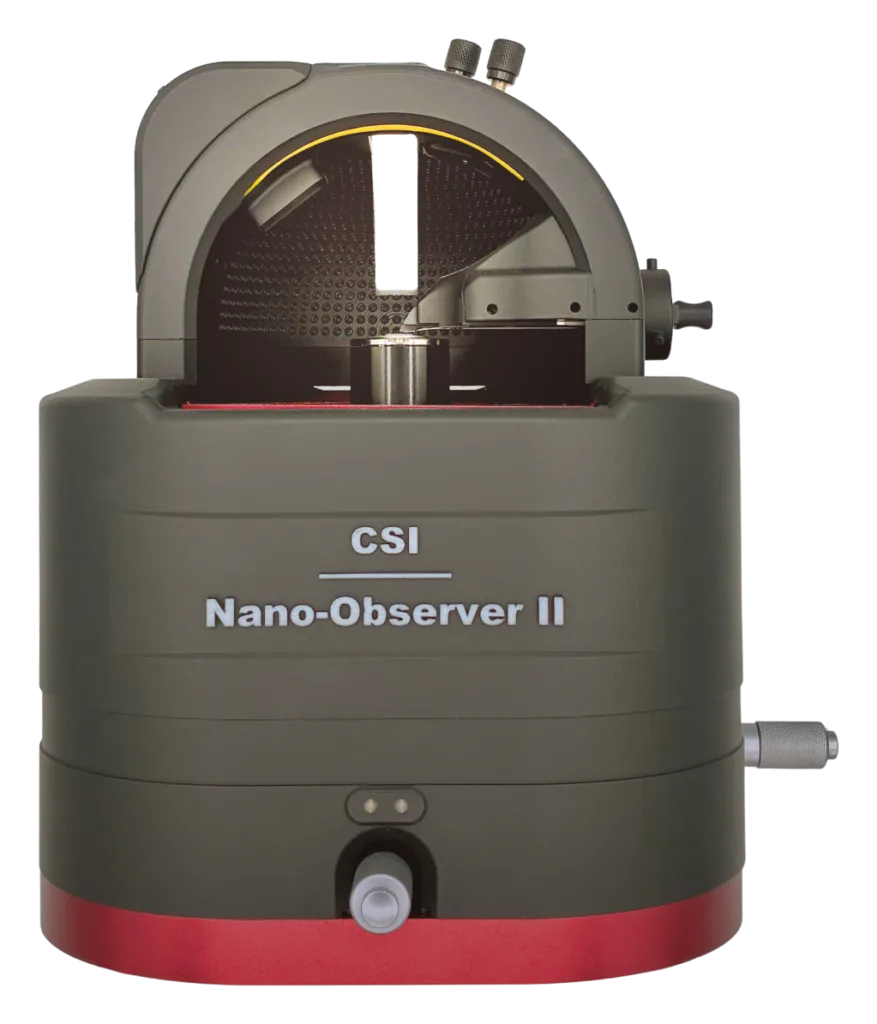 Nano-Observer IIResonant and phase imaging among more than 20 modes on one head. 100 × 100 µm XY, 15 µm Z, 24-bit Galaxy USB controller and automatic approach.
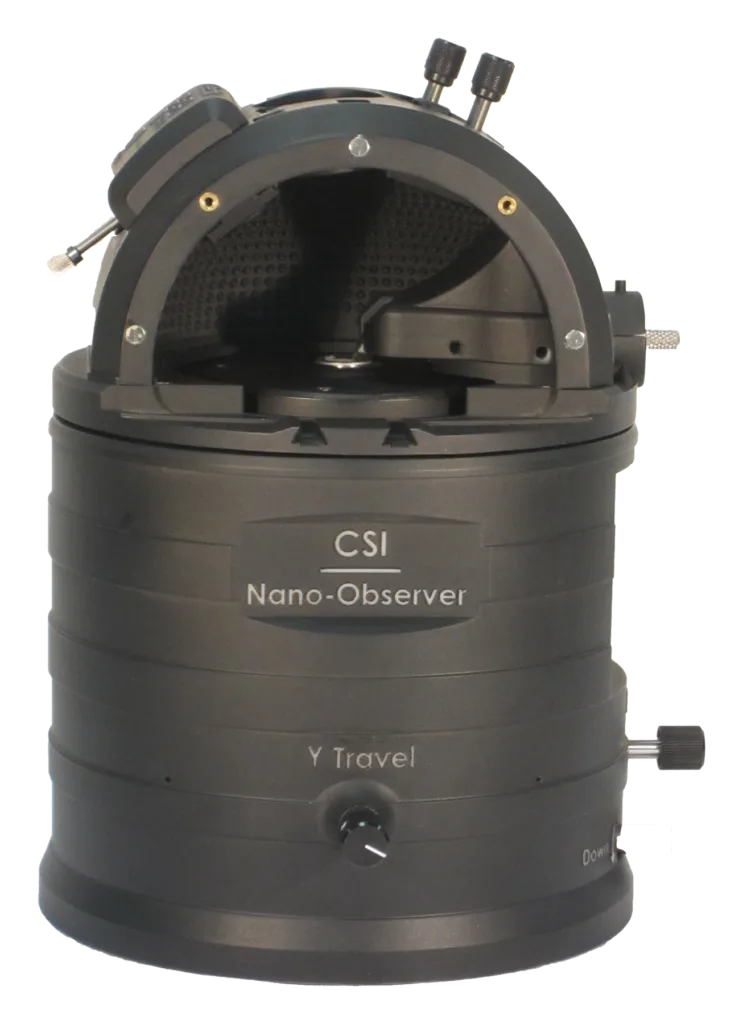 Nano-Observer One PlusOscillating and phase imaging, contact and LFM, plus HD-KFM™ and ResiScope™. 100 × 100 µm XY, 15 µm Z, 24-bit control.
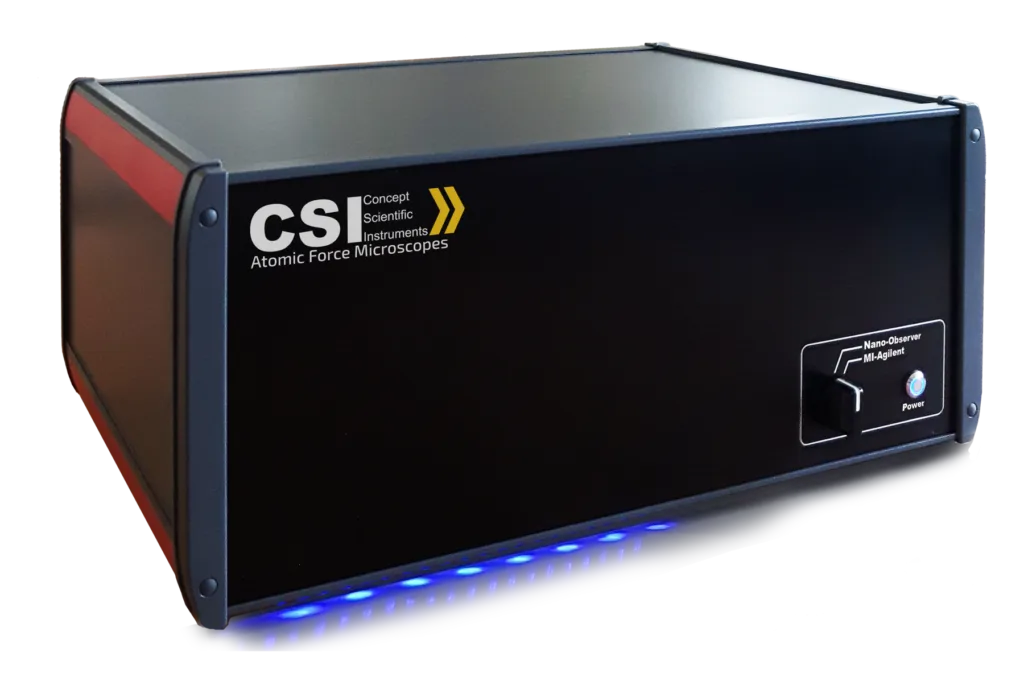 Galaxy Dual ControllerAlready have a MultiMode, Dimension, Agilent or Keysight AFM? It keeps its AC (resonant) and phase modes and gains HD-KFM™, ResiScope™ and Soft IC.
Beyond topography
More information from the same instrument
Tapping mode is the base of several other measurements on CSInstruments AFMs: you can add electrical, mechanical or magnetic maps to your topography.
Application fields
Probes
Which tip for tapping mode?
Our probe guide lists the tapping probes for each sample type, with resonant frequency and spring constant.
FAQ
Frequently Asked Questions
Is resonant (oscillating) mode the same as tapping mode?
Yes. In resonant mode (also called tapping, oscillating or AC mode) the cantilever vibrates at or near its resonant frequency; interactions with the surface change the oscillation amplitude and phase, and the feedback keeps the amplitude constant by adjusting the tip–sample distance.
What does the phase image show in tapping mode?
The phase shift of the oscillation follows how the tip interacts with each material (stiffness, adhesion, dissipation), so different components appear with different contrast, even on a flat surface.
Tapping mode or contact mode?
Tapping mode applies low contact forces and no dragging, which suits soft samples and limits tip wear; contact mode keeps the tip in contact and is used for hard samples and as the basis of lateral force, conductive and piezoresponse measurements.
How flat a surface can it measure?
On SrTiO₃ in resonant mode, the measured RMS roughness (Sq) is 139.6 pm in closed loop and 157.7 pm in open loop.
Can I use it on my existing AFM?
Yes. With the Galaxy Dual Controller, a MultiMode, Dimension, Agilent or Keysight AFM keeps its AC (resonant) and phase modes and gains HD-KFM™, ResiScope™ and Soft IC.
Questions about your sample?
Ask the application scientists behind our AFMs: which mode fits your sample, which probe to use, or what we can measure for you. We answer every message personally.